iOS Supported Networks
BlueStack's mediation feature enables you to deliver advertisements to your app from various sources, including BlueStack itself and third-party ad networks. This section provides guidance on integrating mediation partner SDKs through BlueStack's third-party SDK adapters.
You must add BlueStackSDK to your app target if you intend to use any mediation adapters via Swift Package Manager (SPM).
In-App Bidding
Add the BlueStack Bidding Adapter dependency to your app's podfile.
pod 'BlueStackBiddingAdapter'
Google Mobile Ads
To include the BlueStack GMA mediation adapter,
- CocoaPods
- Swift Package Manager
Add the BlueStackGoogleAdapter dependency to the Podfile of your application project:
pod 'BlueStackGoogleAdapter'
Go to your project file -> Package Dependencies -> Add(+) -> Search for https://github.com/azerion/BlueStack-Google-Adapter
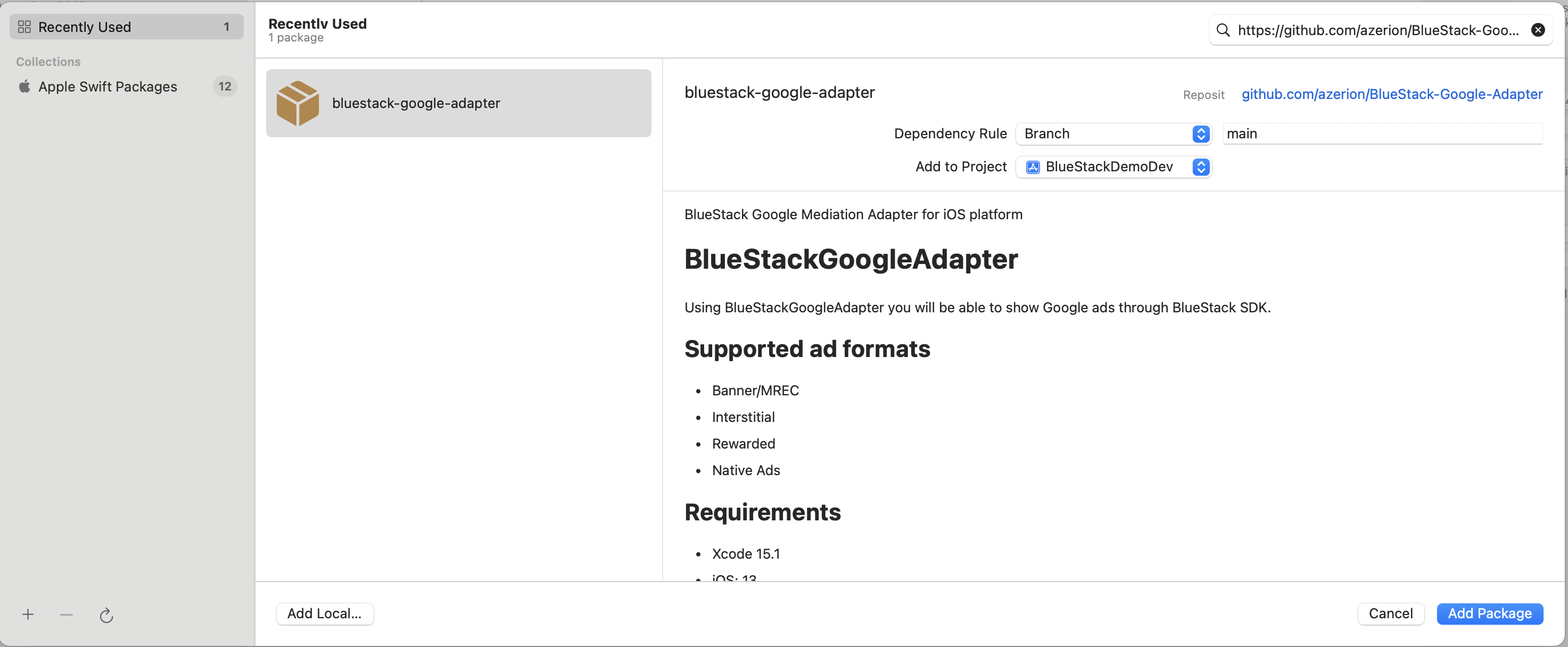
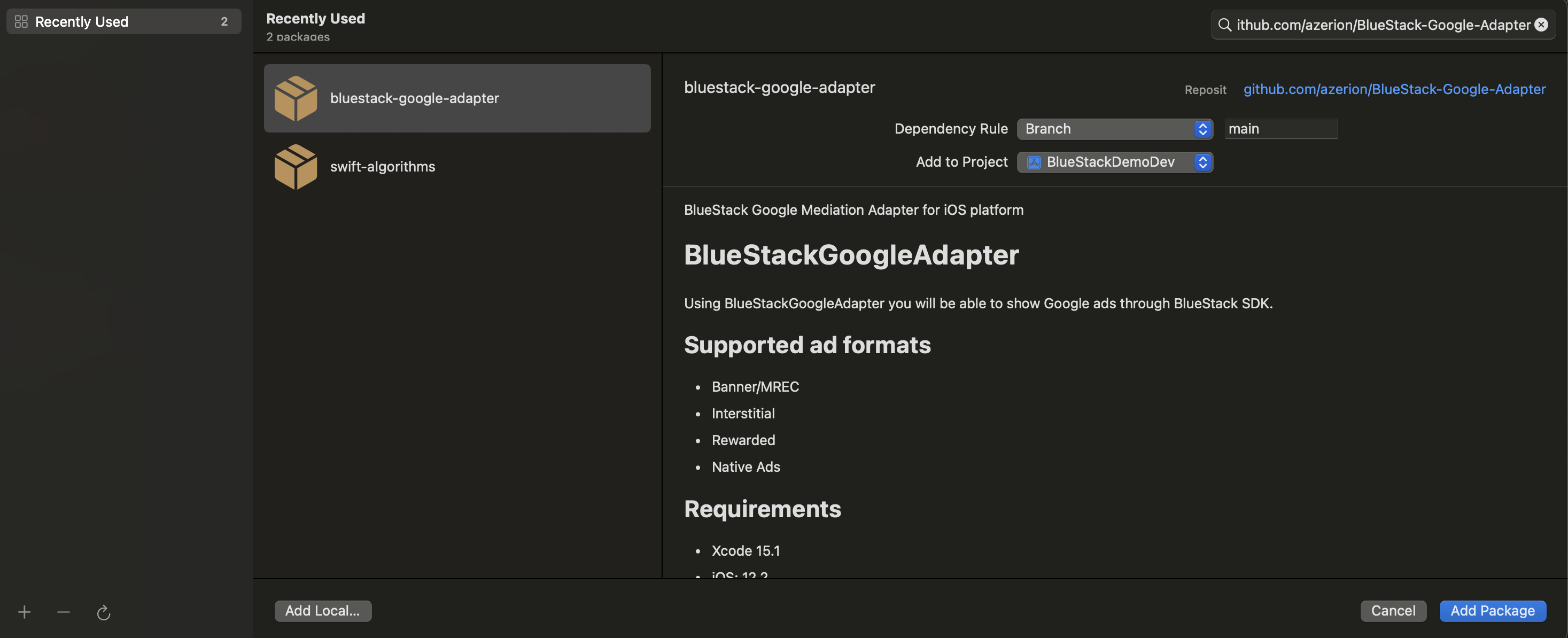
Add the BlueStackGoogleAdapter to your app's target via Swift Package Manager
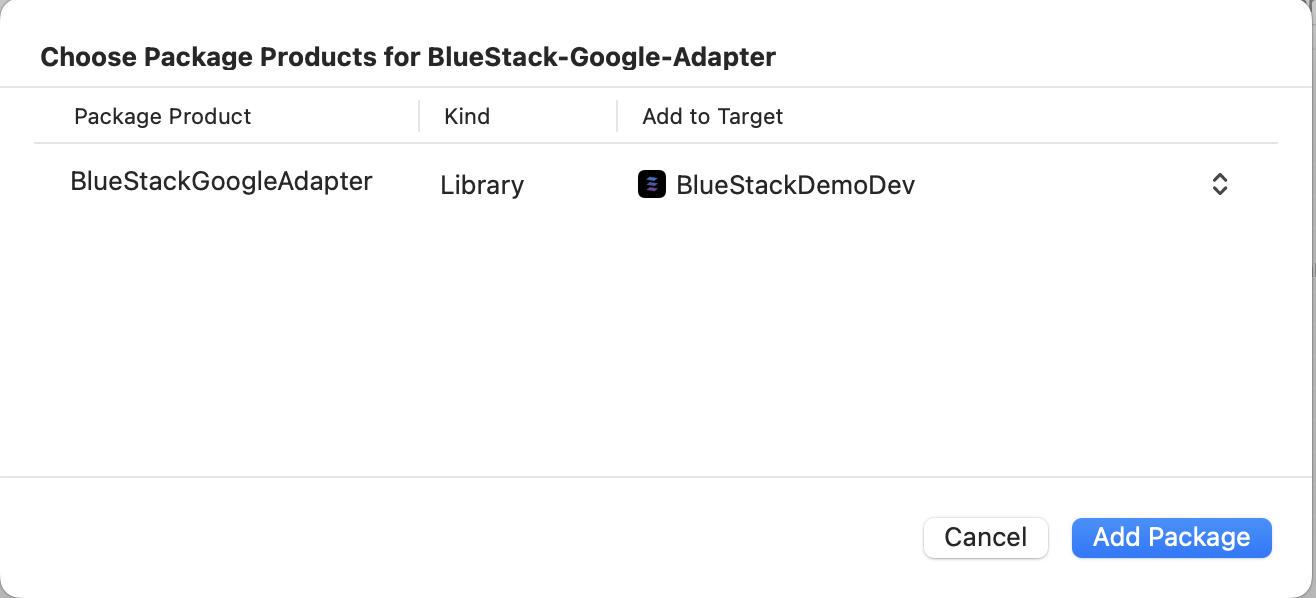
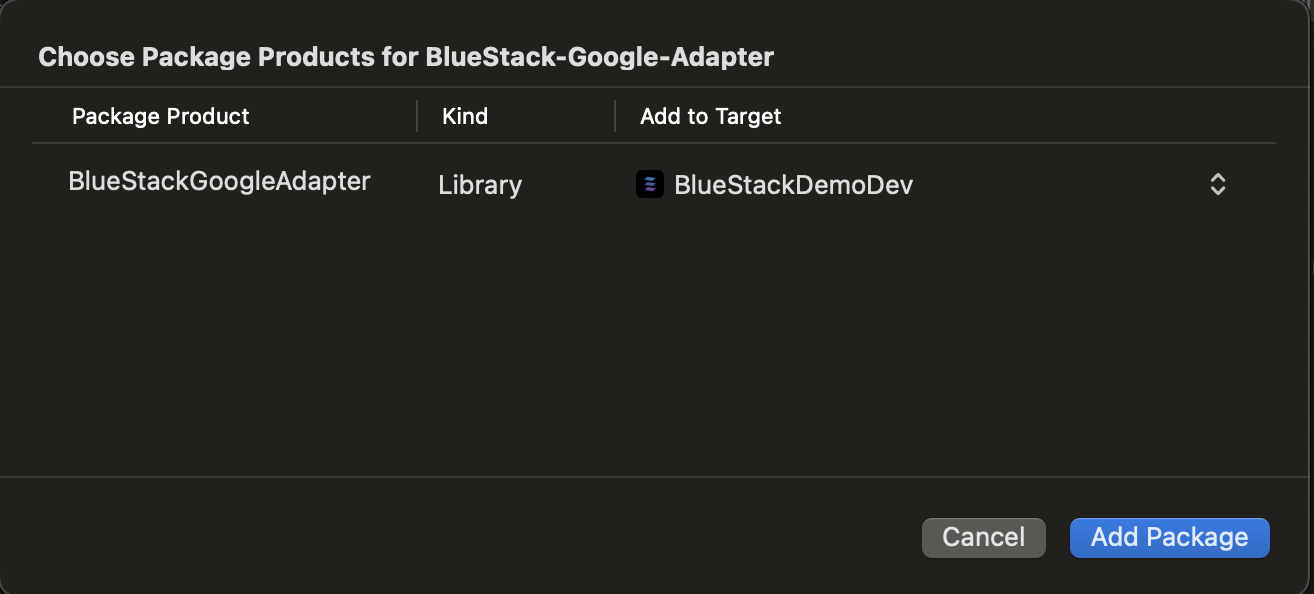
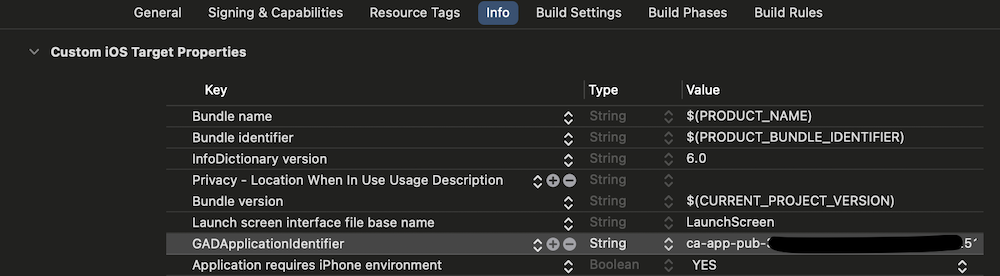
Add Your AdMob App ID
In the Info.plist of your app,
please add the key GADApplicationIdentifier
and set its value to the ID you received from your Azerion Publisher Representative.
Equativ
To include the BlueStack Equativ mediation adapter,
- For bluestack-sdk-react-native >= 2.1.0
- For bluestack-sdk-react-native < 2.1.0
- CocoaPods
In the Podfile of your application project add BlueStackEquativAdapter dependency
pod 'BlueStackEquativAdapter'
To get the in app bidding add the BlueStack Bidding adapter dependency to your app's podfile also.
pod 'BlueStackBiddingAdapter'
- CocoaPods
- Swift Package Manager
Add the BlueStackEquativAdapter adapter dependency to your app's podfile.
pod 'BlueStackEquativAdapter'
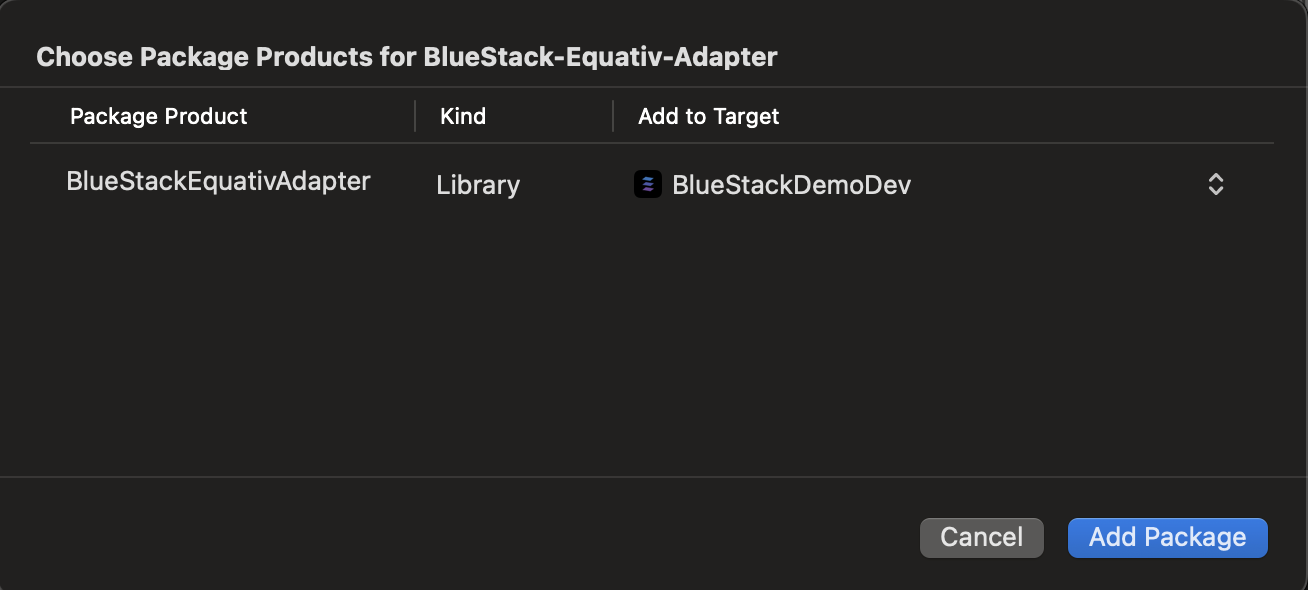
Go to your project file --> Package Dependencies --> Add(+) --> Search for https://github.com/azerion/BlueStack-Equativ-Adapter
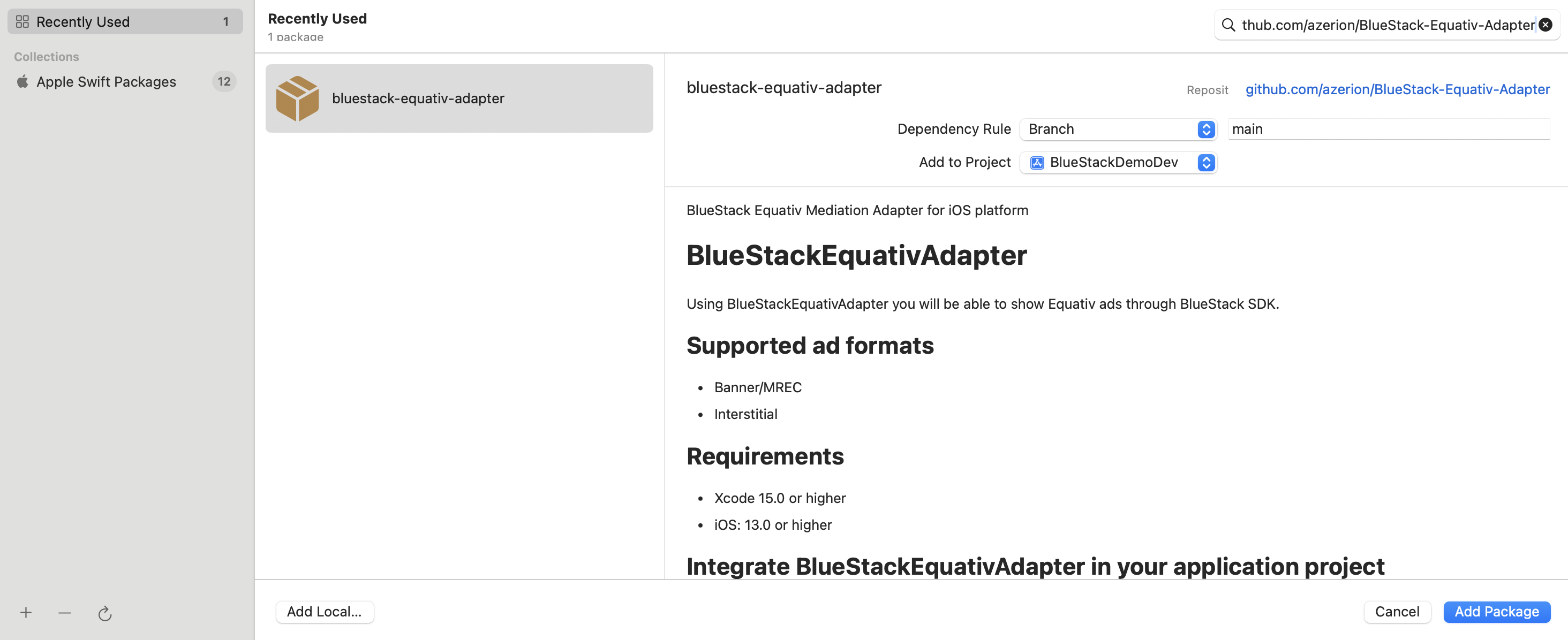
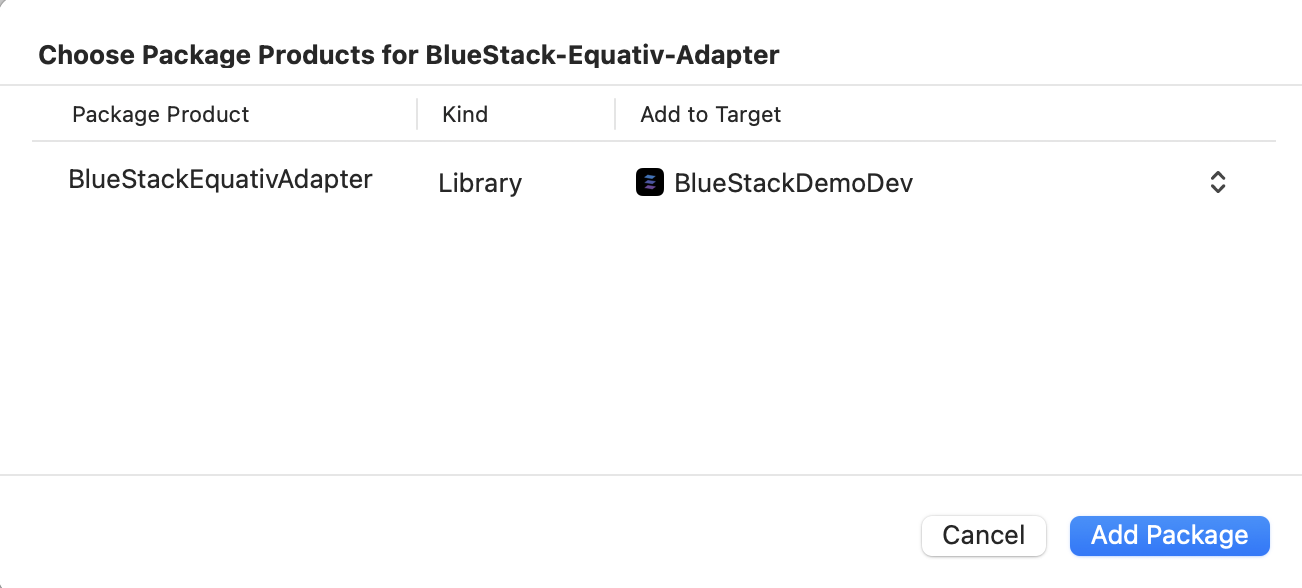
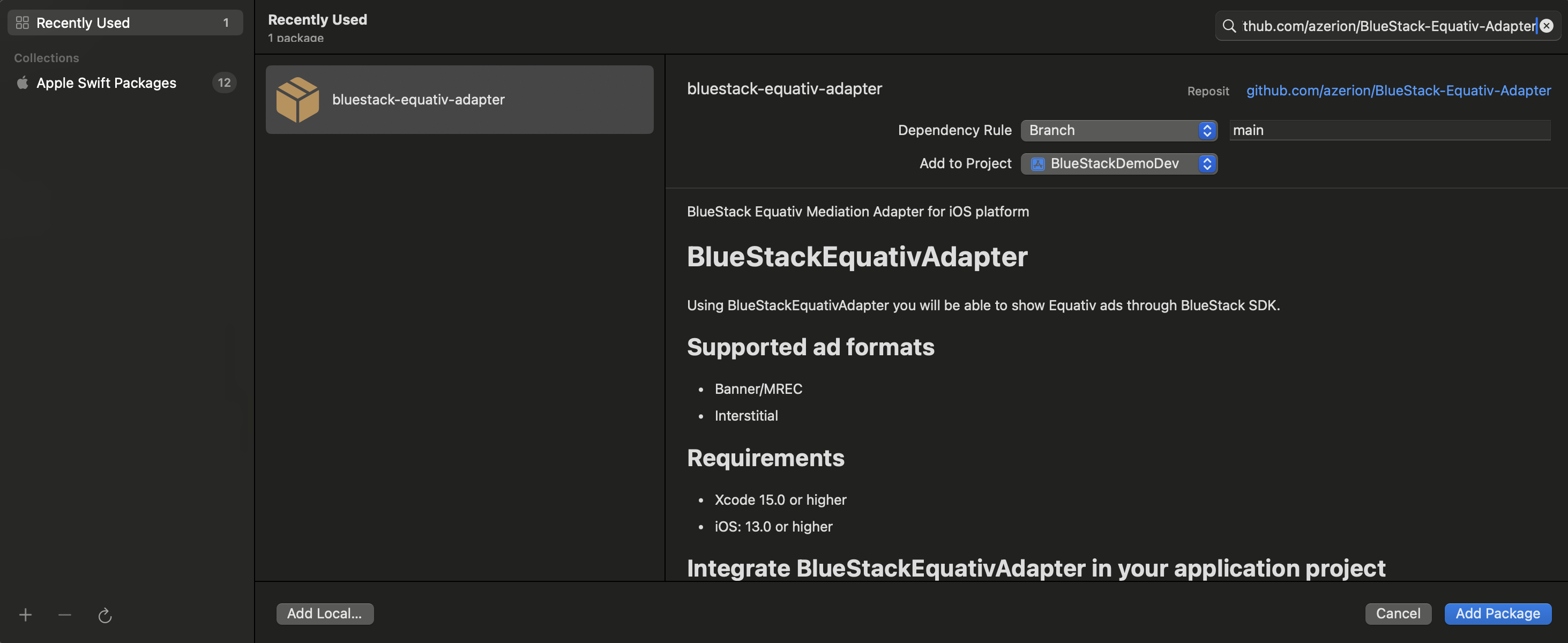 Add the
 BlueStackEquativAdapter to your app's target via Swift Package Manager
Amazon In-App Bidding
To include the BlueStack Amazon publisher service in-app bidding adapter,
- CocoaPods
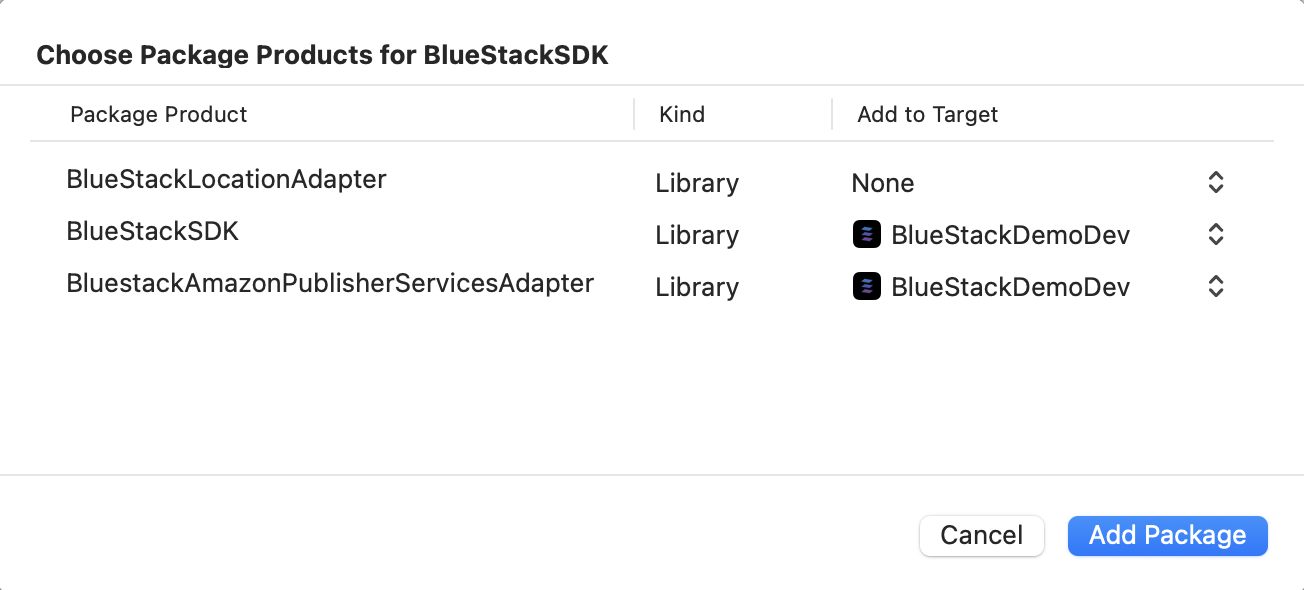
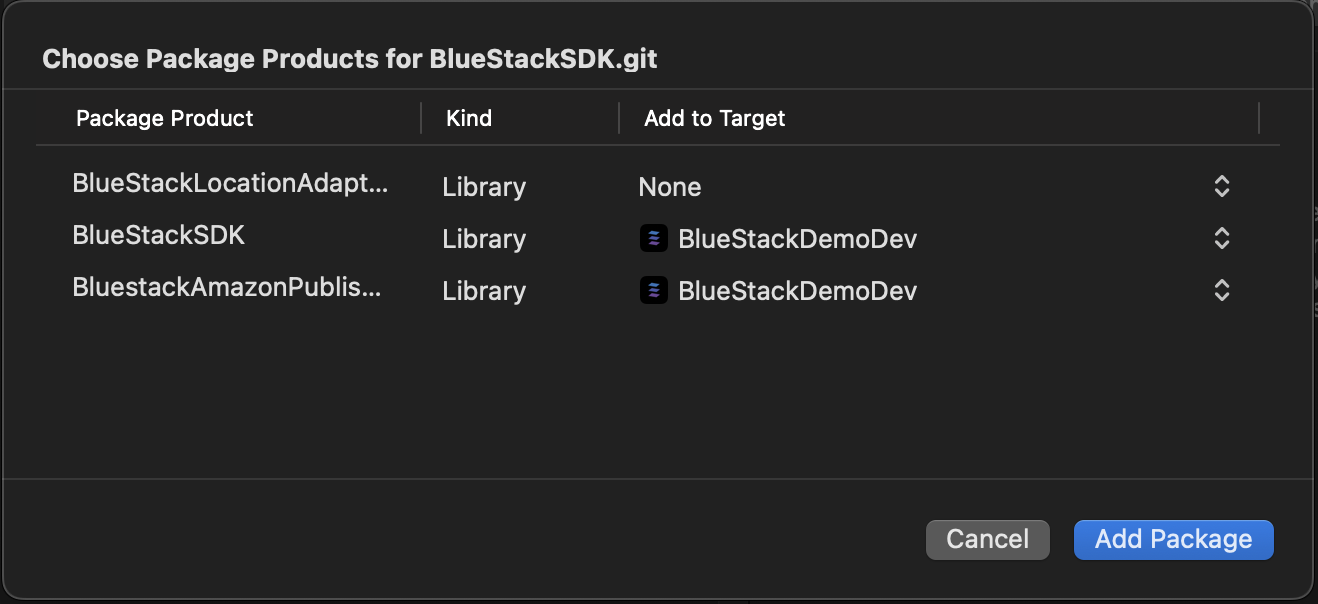
- Swift Package Manager
Add the BluestackAmazonPublisherServicesAdapter adapter dependency as a subspec of BlueStack-SDK in your app’s Podfile:
pod 'BlueStack-SDK', :subspecs=>["BluestackAmazonPublisherServicesAdapter"]
Add the BluestackAmazonPublisherServicesAdapter to your app's target via Swift Package Manager
Mediation Adapter Compatibility Matrix
- For bluestack-sdk-react-native >= 2.1.0
- For bluestack-sdk-react-native < 2.1.0
| Ad Network | SDK Version | Adapter Version | Supported Ad Formats |
|---|---|---|---|
| 12.14.0 | 5.4.0 | Banner / MREC, Interstitial, Rewarded Ads | |
| Equativ | 8.5.1 | 5.1.8 | Banner / MREC, Interstitial |
| BlueStack Bidding | N/A | 5.4.0 | Banner / MREC, Interstitial |
| Ad Network | SDK Version | Adapter Version | Supported Ad Formats |
|---|---|---|---|
| 12.14.0 | 5.3.5 | Banner / MREC, Interstitial, Rewarded Ads | |
| Amazon | 4.5.5 | Included in BlueStackSDK as subspec | Banner / MREC, Interstitial, Rewarded Ads |
| Equativ | 8.5.1 | 5.1.8 | Banner / MREC, Interstitial |
- Ensure all dependencies are included as outlined in each network’s integration guide.
- Ad formats may require additional configurations or testing to confirm functionality.