Get Started
This documentation will guide you through the steps to integrate and initialize the BlueStack SDK into your application.
Looking for a working reference? Our public demo app on GitHub — azerion/azerion-inapp-demo-ios — showcases the BlueStack iOS SDK across banner, MREC, interstitial, and rewarded ad formats.
Prerequisites
| Requirement | Minimum |
|---|---|
| Minimum iOS version | 13.0 or later |
| Minimum Xcode version | 15.1 or later |
Configure your app
Using CocoaPods
Open your Podfile and add the BlueStack-SDK dependency.
pod 'BlueStack-SDK', '6.1.0'
Then run pod install command in your CLI.
pod install --repo-update
This will add the core BlueStack SDK into your application.
Open .xcworkspace file using your Xcode.
Using Swift Package Manager
Follow the steps below to integrate BlueStack SDK using SPM:
-
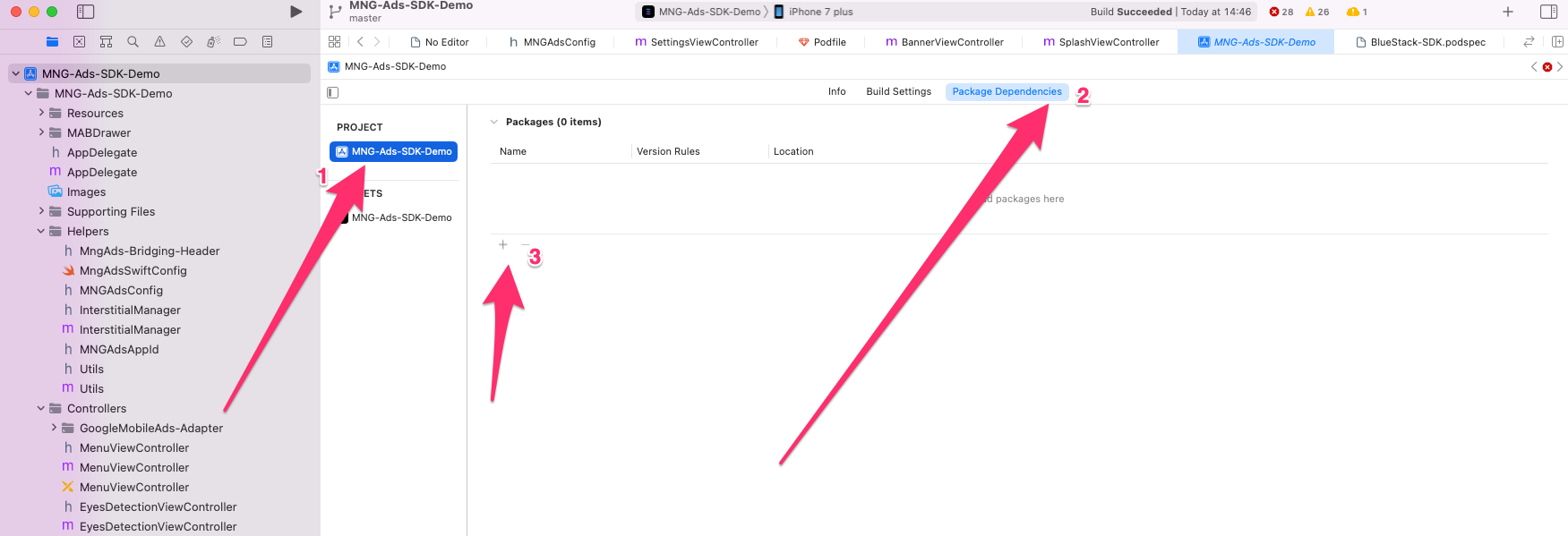
Select the project (1).
-
Select Package Dependencies and click on + button (2) and (3).
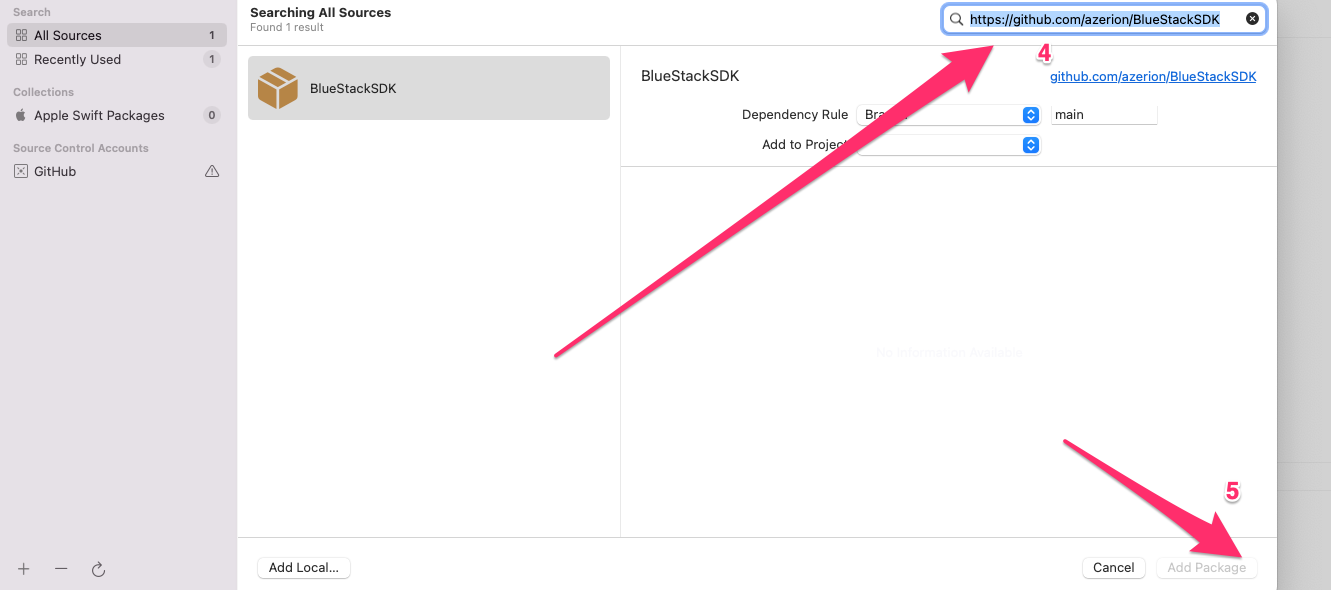
- Enter the following Url (4):
https://github.com/azerion/BlueStackSDK
- Add the package (5).
- This will show a list of BlueStack mediation adapters
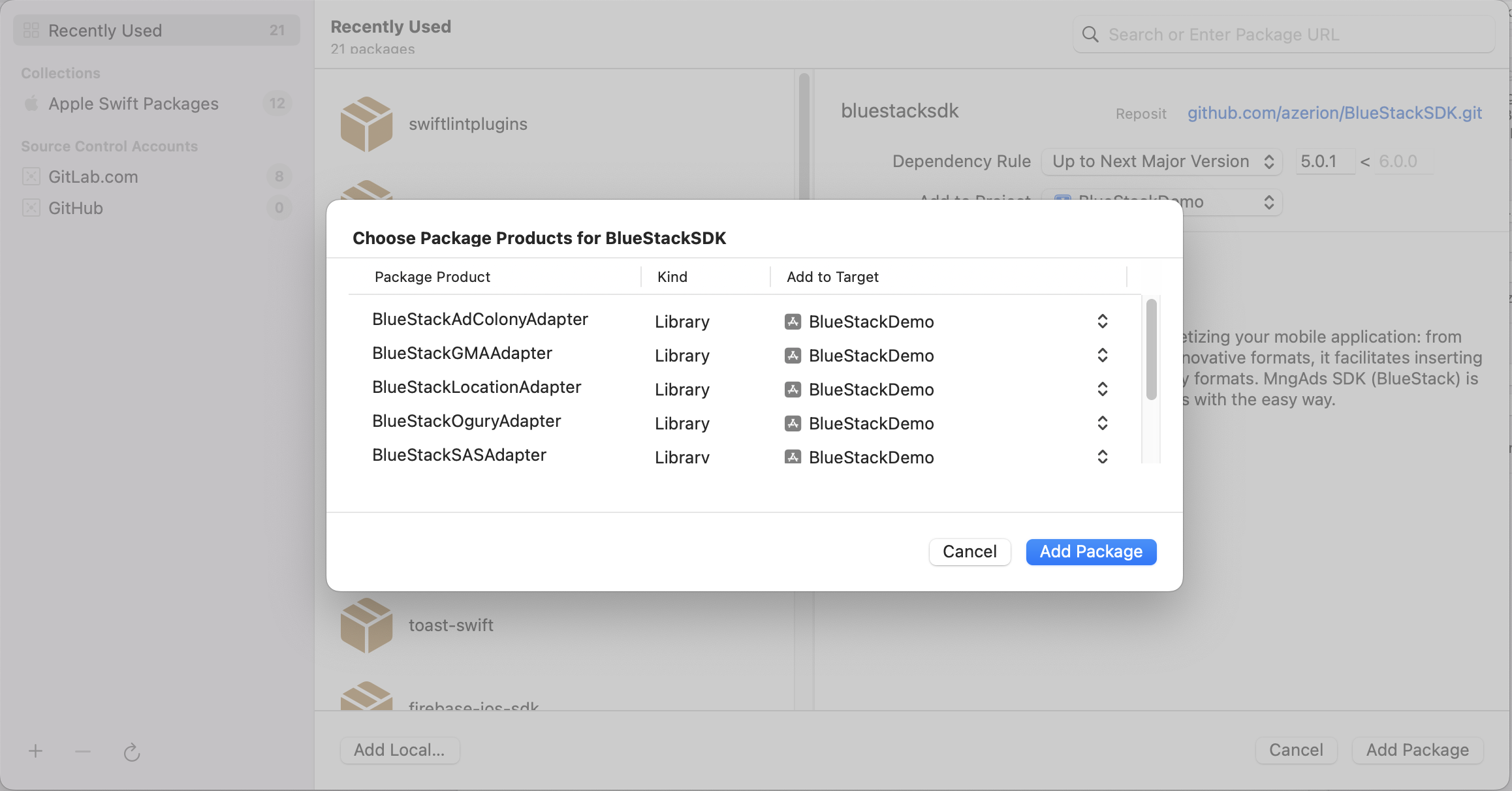
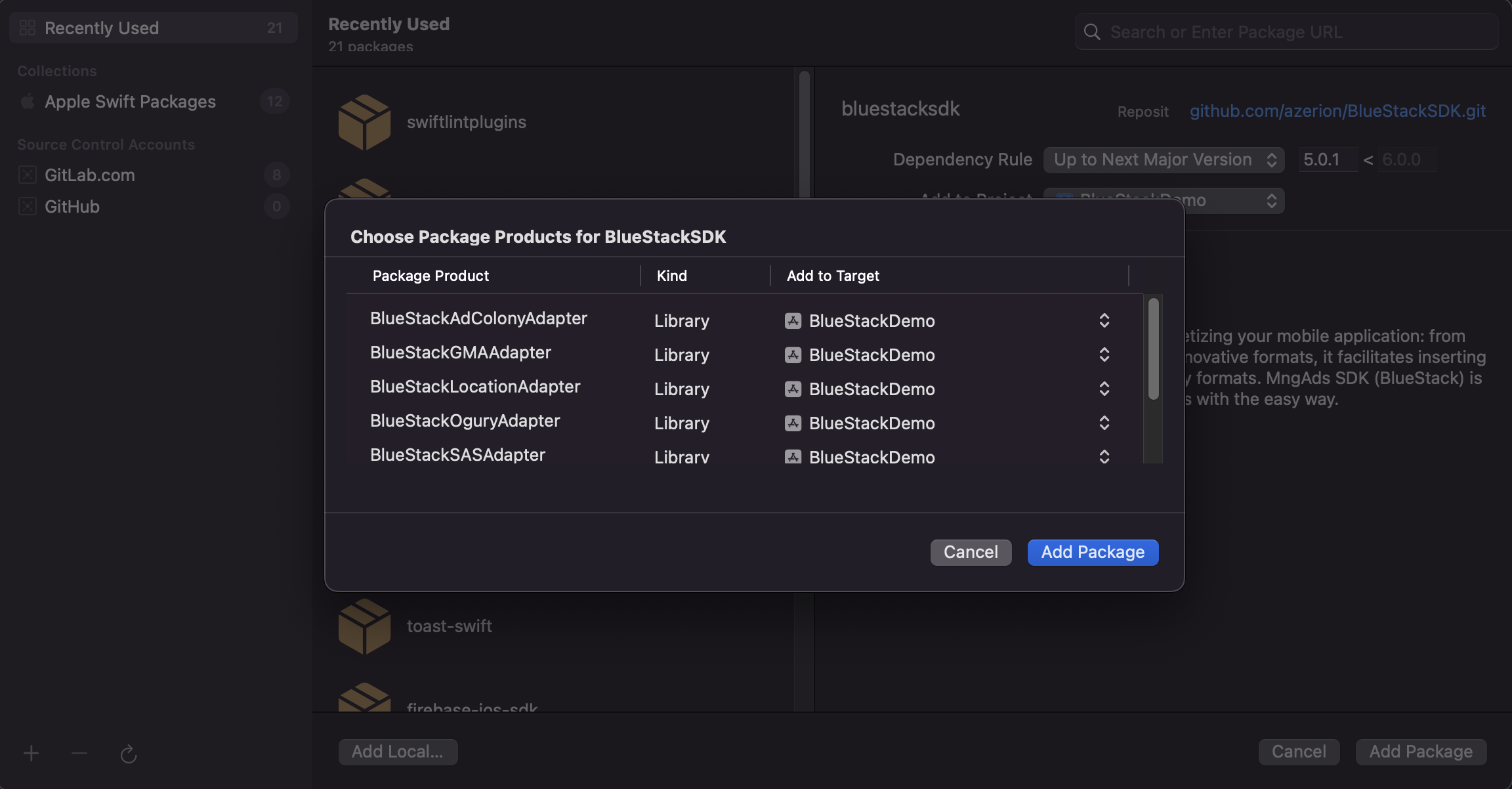
- Select the mediation adapters that need to be included and add it to the target
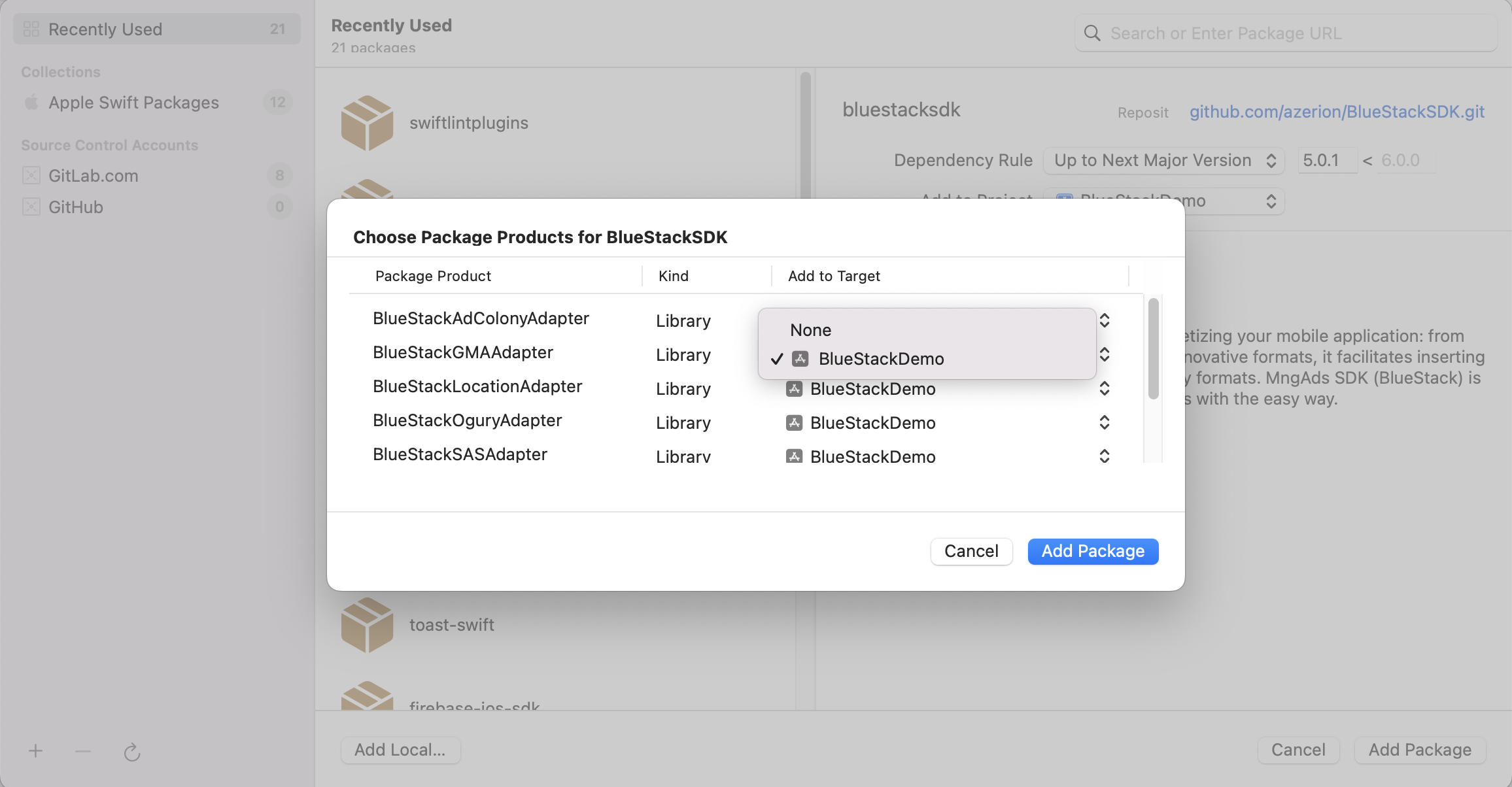
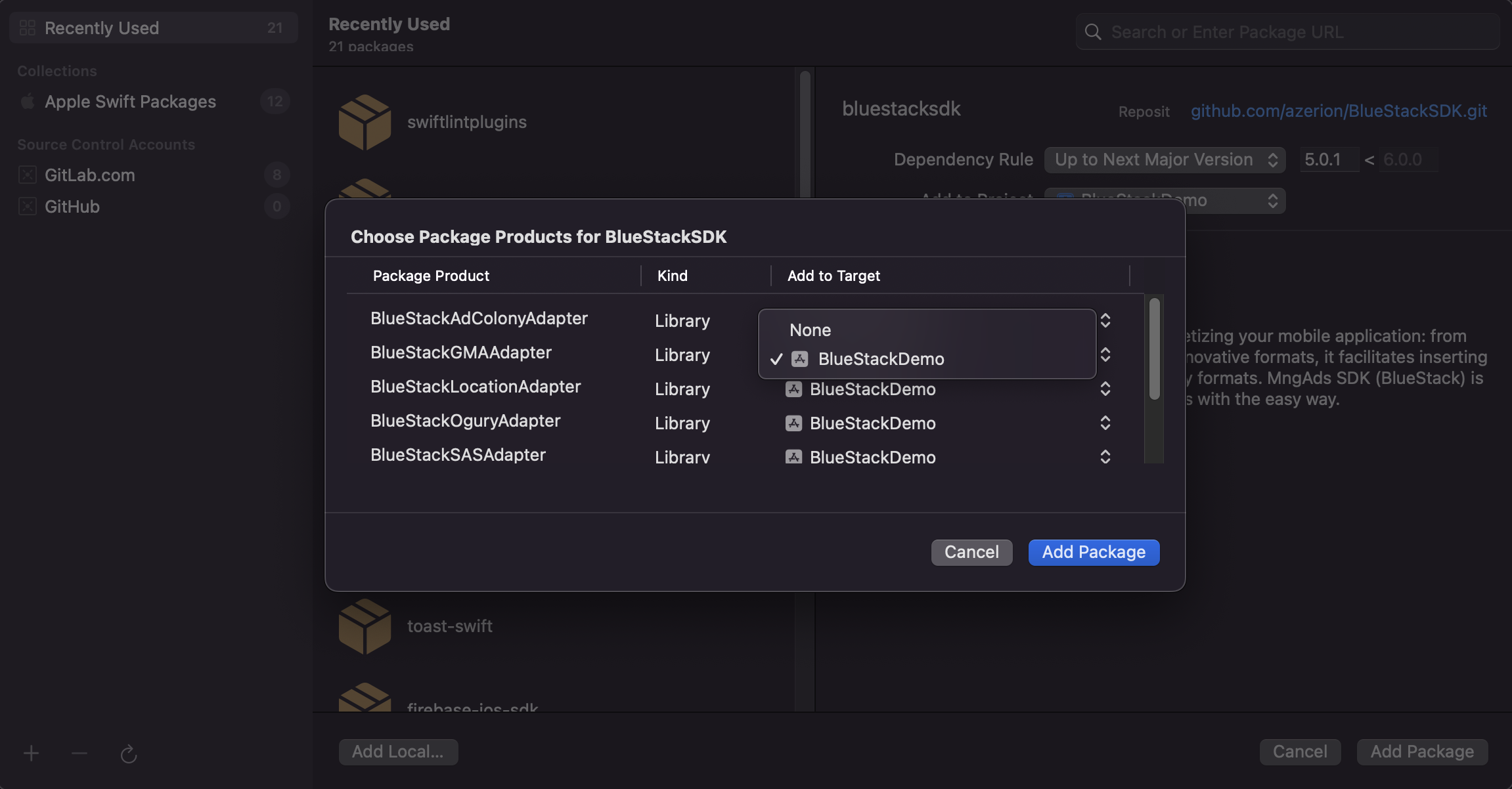
- Add
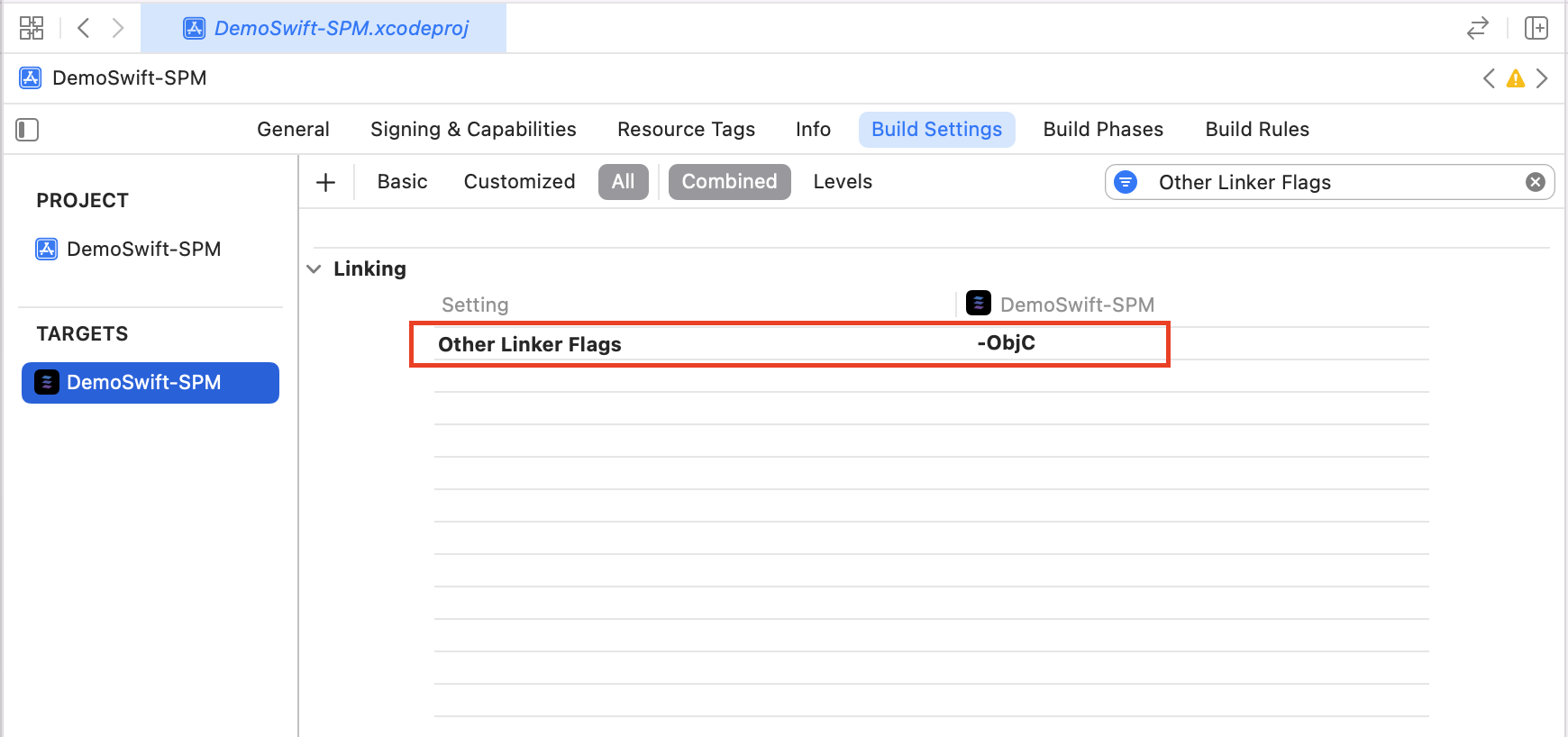
-ObjClinker flag to theOther Linker Flagsbuild settings of your project target.
Add mediation partners
Mediation adapters are added as pods in your Podfile. We recommend including all adapters by default so the SDK can serve from every available demand source — omit an adapter only if you have a specific reason not to ship it.
Recommended default: include every mediation adapter. The snippet below adds the full bundle.
pod 'BlueStack-SDK', '6.1.0'
pod 'BlueStackBiddingAdapter', '6.1.0'
pod 'BlueStackGoogleAdapter', '6.1.0'
pod 'BlueStackEquativAdapter', '6.0.1'
pod 'BlueStackBidMachineAdapter', '6.1.1'
pod 'BlueStackAppLovinAdapter', '6.1.0'
For Google Mobile Ads, also add the GADApplicationIdentifier key to your Info.plist with the ID provided by your Azerion Publisher Representative.
For per-partner setup, Swift Package Manager, and the compatibility matrix, see Supported Networks.
Initialize the BlueStack SDK
Initialize the BlueStack SDK using MobileAds.sharedInstance with the appID at the earliest of your application's lifecycle. The initialization should be done before loading any ads. We recommend to do the initialization on your application did finish launching.
- Objective C
- Swift
- (BOOL)application:(UIApplication *)application didFinishLaunchingWithOptions:(NSDictionary *)launchOptions {
    [[BLSMobileAds sharedInstance] initializeWithAppID: @"YOUR_APP_ID_HERE" completion:^(InitializationStatus * _Nonnull initializationStatus) {

    }];
    return YES;
}
func application(_ application: UIApplication, didFinishLaunchingWithOptions launchOptions: [UIApplication.LaunchOptionsKey: Any]?) -> Bool {
    MobileAds.sharedInstance().initialize(appID: "YOUR_APP_ID_HERE") { initializationStatus in

    }
    return true
}
Note: If the BlueStack SDK fails to initialize, it will return an InitializationStatus object containing an empty adapter status map.